
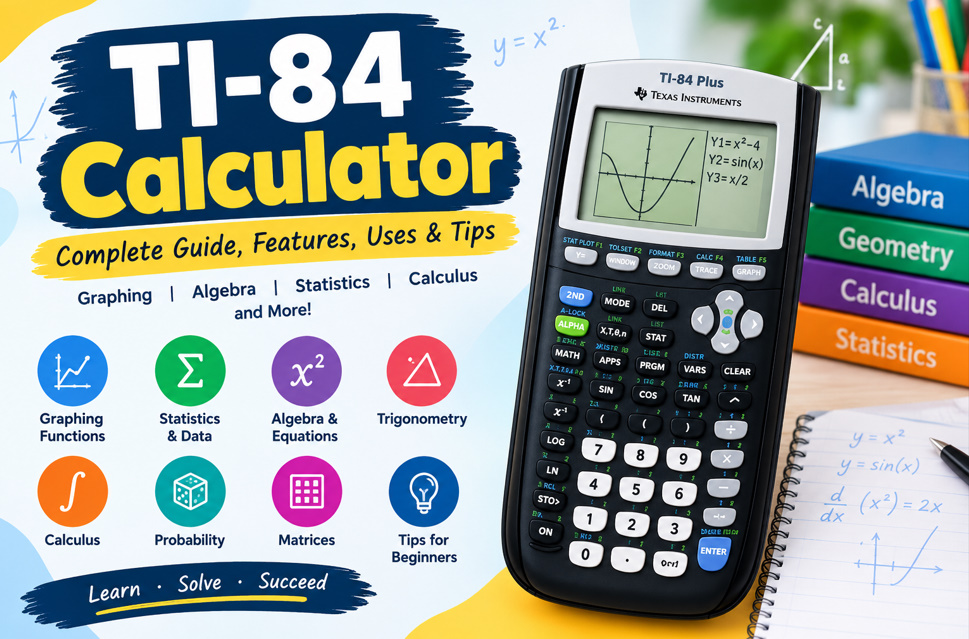
What Is a TI-84 Calculator?
The TI-84 calculator is a graphing calculator designed for mathematics, science, statistics, and other technical subjects. It combines everyday arithmetic with advanced capabilities such as function graphing, statistical analysis, equation solving, probability, matrices, and numerical calculations. This makes it a practical learning tool for students studying different levels of mathematics.
Unlike a basic calculator, the TI-84 allows users to see mathematical relationships visually. Students can enter equations, generate graphs, create tables, analyze data, and investigate important points on functions. These capabilities can make abstract mathematical concepts easier to explore while providing a convenient way to check calculations and understand numerical patterns.
- Graph mathematical functions
- Perform scientific calculations
- Analyze statistical data
- Create function tables
- Solve equations numerically
- Calculate probabilities
- Work with matrices
- Explore mathematical patterns
Key Features of the TI-84 Calculator
The TI-84 Plus calculator includes a broad collection of mathematical tools. Users can graph rectangular, parametric, polar, and recursive functions while also working with statistics, probability distributions, matrices, regression models, and numerical analysis. Multiple functions can be stored and compared, making it easier to study relationships between equations and their graphs.
The TI-84 Plus CE adds several modern features, including a full-color backlit display, rechargeable battery, MathPrint formatting, and a slimmer design. Color-coded graphs can improve visual organization when several functions appear together. The calculator also provides table and split-screen options that connect equations, numerical values, and graphical representations.
- Graphing functions
- Color display on CE
- MathPrint formatting
- Statistical analysis
- Probability distributions
- Matrix calculations
- Regression tools
- Split-screen viewing
How to Use a TI-84 Calculator for Basic Math
For beginners, learning basic calculations is a good starting point. A TI-84 can handle addition, subtraction, multiplication, division, powers, roots, fractions, decimals, percentages, and scientific notation. Becoming familiar with the keypad, navigation buttons, menus, and secondary functions makes it easier to progress toward more advanced mathematical operations.
Accurate input is especially important when entering complicated expressions. Parentheses help control the order of operations and should be used carefully with fractions, negative numbers, exponents, and nested calculations. Students can also review previous entries, store values, and reuse calculations, which can make repetitive mathematical work more efficient.
- Add numbers
- Subtract values
- Multiply expressions
- Divide numbers
- Calculate powers
- Find square roots
- Enter fractions
- Use parentheses
How to Graph Equations on a TI-84
One of the most useful capabilities of a TI-84 graphing calculator is its ability to turn equations into visual graphs. Users can enter functions and adjust the viewing window to see their behavior. Graphing tools can help locate zeros, intersections, maximums, minimums, and specific coordinates on a function.
Graphing is particularly helpful for understanding algebra and precalculus. Instead of looking only at an equation, students can see how changing coefficients affects the graph. Comparing several functions can also demonstrate concepts such as slope, intercepts, transformations, symmetry, and periodic behavior in a more visual way.
- Enter functions
- Display graphs
- Adjust viewing windows
- Trace coordinates
- Find zeros
- Locate intersections
- Identify maximums
- Identify minimums
TI-84 Calculator for Algebra and Equations
The TI-84 for algebra can support students studying linear equations, quadratic functions, polynomials, inequalities, systems, and other algebraic concepts. Functions can be entered and graphed to examine their behavior, while tables can provide numerical values for selected inputs. This combination helps connect symbolic, graphical, and numerical forms of mathematics.
The calculator can also be used to check algebraic solutions and investigate how changes to an equation affect its output. For example, adjusting coefficients in a quadratic function can demonstrate changes in its graph. Students should still learn the underlying algebraic methods because the calculator is most effective when used alongside mathematical reasoning.
- Study linear equations
- Analyze quadratic functions
- Explore polynomials
- Graph inequalities
- Evaluate functions
- Examine systems
- Compare equations
- Check solutions
TI-84 Calculator for Statistics and Data Analysis
The TI-84 calculator for statistics provides tools for entering and analyzing numerical data. Students can store values in lists and calculate measures such as mean, median, standard deviation, and other descriptive statistics. Data can also be represented visually through scatter plots, histograms, box plots, and other statistical graphs.
Regression analysis is another important feature for students studying statistics. Depending on the model, users can explore linear, quadratic, exponential, logarithmic, power, and other relationships. Probability and distribution tools can also support topics involving random variables, statistical inference, confidence intervals, hypothesis testing, and probability models.
- Enter data lists
- Calculate the mean
- Find the median
- Calculate standard deviation
- Create histograms
- Build scatter plots
- Perform regression
- Study probability
TI-84 for Trigonometry and Calculus
The TI-84 calculator is useful for trigonometric calculations involving sine, cosine, tangent, inverse functions, and angles. Students can also graph trigonometric functions to observe periodic patterns. One important setting is the angle mode. Problems using degrees require a different setting from problems using radians, so checking this option is essential.
For calculus, the TI-84 can help users investigate functions, derivatives, integrals, roots, maximums, and minimums. Graphing can provide a visual perspective on how functions change, while numerical tools can help verify results. The calculator should support learning rather than replace the mathematical concepts and procedures being studied.
- Calculate sine
- Calculate cosine
- Calculate tangent
- Use inverse functions
- Work with degrees
- Work with radians
- Explore derivatives
- Investigate integrals
TI-84 Tips for Beginners and Students
New users do not need to memorize every TI-84 command immediately. A better approach is to learn frequently used functions first and gradually explore more advanced features. Start with arithmetic, then practice graphing, tables, algebra, statistics, and probability. Repetition helps students become comfortable with menus and calculator shortcuts.
Checking settings before solving a problem can prevent many common mistakes. Students should review the angle mode, graphing window, entered functions, and statistical lists when appropriate. It is also helpful to read the expression displayed on the screen before pressing Enter. Careful input and regular practice can significantly improve calculator confidence.
- Learn the keypad
- Practice common commands
- Check calculator settings
- Review expressions
- Use parentheses carefully
- Check angle mode
- Verify entered data
- Practice regularly
TI-84 Models, Applications, and Educational Uses
The TI-84 family includes different models with variations in display, battery, memory, applications, and additional capabilities. The TI-84 Plus provides established graphing and mathematical functions, while the TI-84 Plus CE offers features such as a color display, rechargeable battery, MathPrint formatting, and a slimmer design. Some versions also support programming.
Applications can expand the educational uses of a TI-84 calculator. Depending on the model, students may work with inequalities, conic sections, probability simulations, transformations, polynomial roots, simultaneous equations, science tools, and other mathematical topics. These capabilities make the calculator useful across algebra, geometry, trigonometry, calculus, statistics, science, and broader STEM learning.
- TI-84 Plus
- TI-84 Plus CE
- Color graphing
- Rechargeable battery
- Educational applications
- Probability simulations
- Transformation graphing
- Programming support